Skip to content

Free pack!

Download
Thumbnail editor

PhotoStar, the Minecraft thumbnail editor

Layers, masks, smart objects and layer styles, like Photoshop, in your browser. Bring your characters from the 3D render studio, start from a template and export your thumbnail.

The editor is free. Its templates are part of Unlimited tools, our paid plan for the tools.

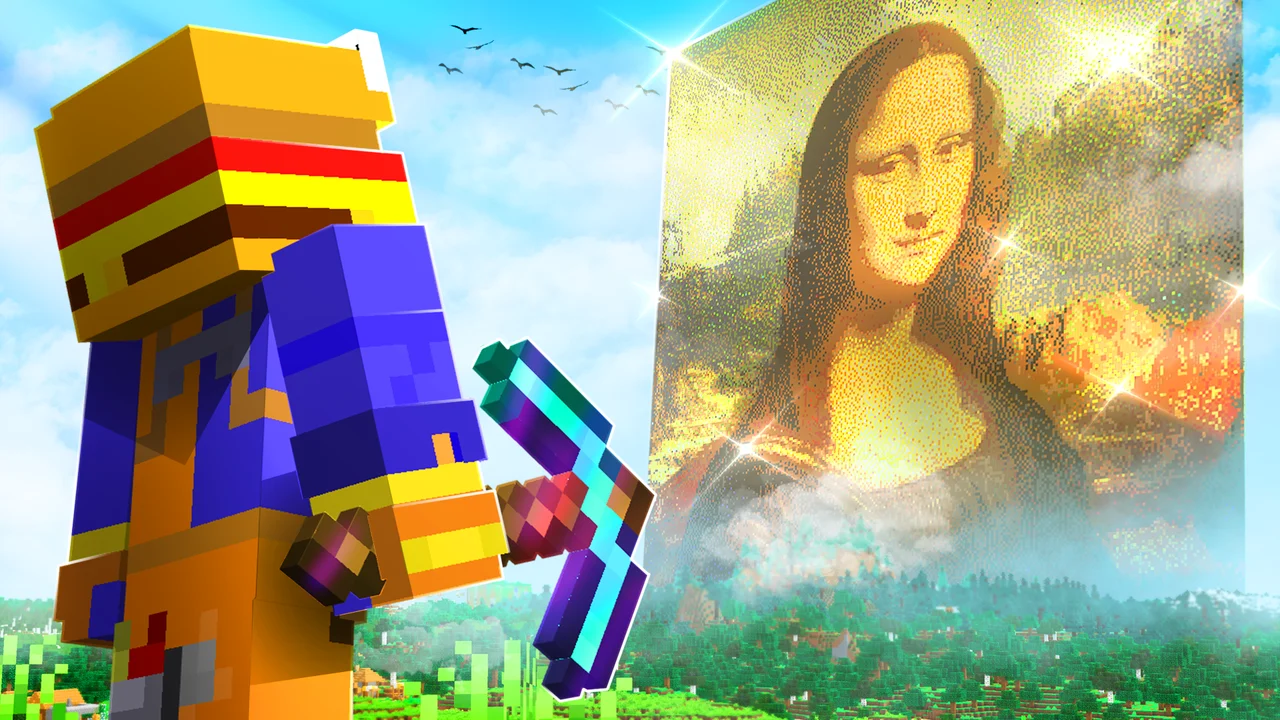
Minecraft YouTube thumbnail templates made in PhotoStar

Everything a thumbnail needs

PhotoStar is a full layered image editor, not a fill-in-the-blanks generator. Every template opens as editable layers.

  • Layers, groups and masks

    Stack characters, text and effects, group them and paint masks to blend them in.

  • Smart objects

    Scale and restyle a render as often as you like without losing quality, then swap its contents.

  • Layer styles

    Stroke, drop shadow, outer glow, bevel and color overlay: the outlined text and glowing characters of every big thumbnail.

  • Live text

    Big bold titles you can retype at any time, with tracking, color and effects.

  • PSD in and out

    Open your Photoshop files with their layers and save PSD to keep working anywhere.

  • In the browser

    No install: it runs on your graphics card with WebGPU, or WebGL where there is none.

Linked to the 3D render engine

What no other editor can do: your Minecraft scene stays alive while you edit the thumbnail.

  1. 1

    Build the scene in 3D

    Pose any skin in the Render Studio, add mobs, props, light and effects.

  2. 2

    Send it as layers

    Each player, mob and prop arrives as its own smart object, each character grouped with its parts, at the canvas resolution.

  3. 3

    Change the pose, keep your edits

    Move an arm or the camera in the studio and only those layers update in PhotoStar, keeping their position, styles and masks.

Open the Render Studio

Thumbnail templates

Start from a thumbnail made with our tools: open it in PhotoStar, drop your render into the character layer and change the title.

Using these templates (opening them in PhotoStar or downloading their PSD) needs Unlimited tools, our paid plan for the tools.

See every template

By CreativeStar

From the community

No community templates here yet. Make one in PhotoStar and share it from the editor.

A real editor for YouTube thumbnails

Most thumbnail makers fill a fixed layout. PhotoStar gives you the tools of a desktop editor (layers, masks, smart objects, adjustment layers, layer styles, 34 tools and more than 500 commands) so the thumbnail looks the way you picture it.

Made for Minecraft creators

The Render Studio poses any skin in 3D with studio lighting, and sends the scene to PhotoStar as separate layers. Change the pose later and the thumbnail updates without redoing your edits: no exporting PNGs and cutting them out by hand.

Minecraft thumbnail templates

With Unlimited tools, open our templates in PhotoStar or download them as layered PSD files, and the ones other creators shared, and make them yours in minutes: swap the character for yours straight from the Render Studio and retype the title.

Frequently asked questions

Still have questions?

If you cannot find what you are looking for, ask us on Discord: installation, licensing or which pack fits you. The team that makes the presets answers.

Message us on Discord

PhotoStar is CreativeStar's thumbnail editor: a layered image editor in the style of Photoshop that runs in the browser, built on the open-source PhotoCraft engine and linked to our 3D Minecraft render studio.

The editor is free to use. Its templates, both opening them in PhotoStar and downloading their PSD, are part of Unlimited tools, our paid subscription for the tools, as is the 3D Render Studio. The Minecraft vault and sharing your own templates need a free CreativeStar account.

Yes. PhotoStar opens PSD and PSB files with their layers, masks, smart objects, text and layer styles, and saves PSD back.

With Unlimited tools, open the template's page and press Use this template. It opens in PhotoStar as layers: replace the character smart objects with your own renders, retype the title and export a PNG or JPG for YouTube.

1920 × 1080 pixels, 16:9: the size YouTube recommends for thumbnails, sharp on any screen.

Yes. In PhotoStar, press Share as template: your document goes to the gallery with its layers once our team has reviewed it.