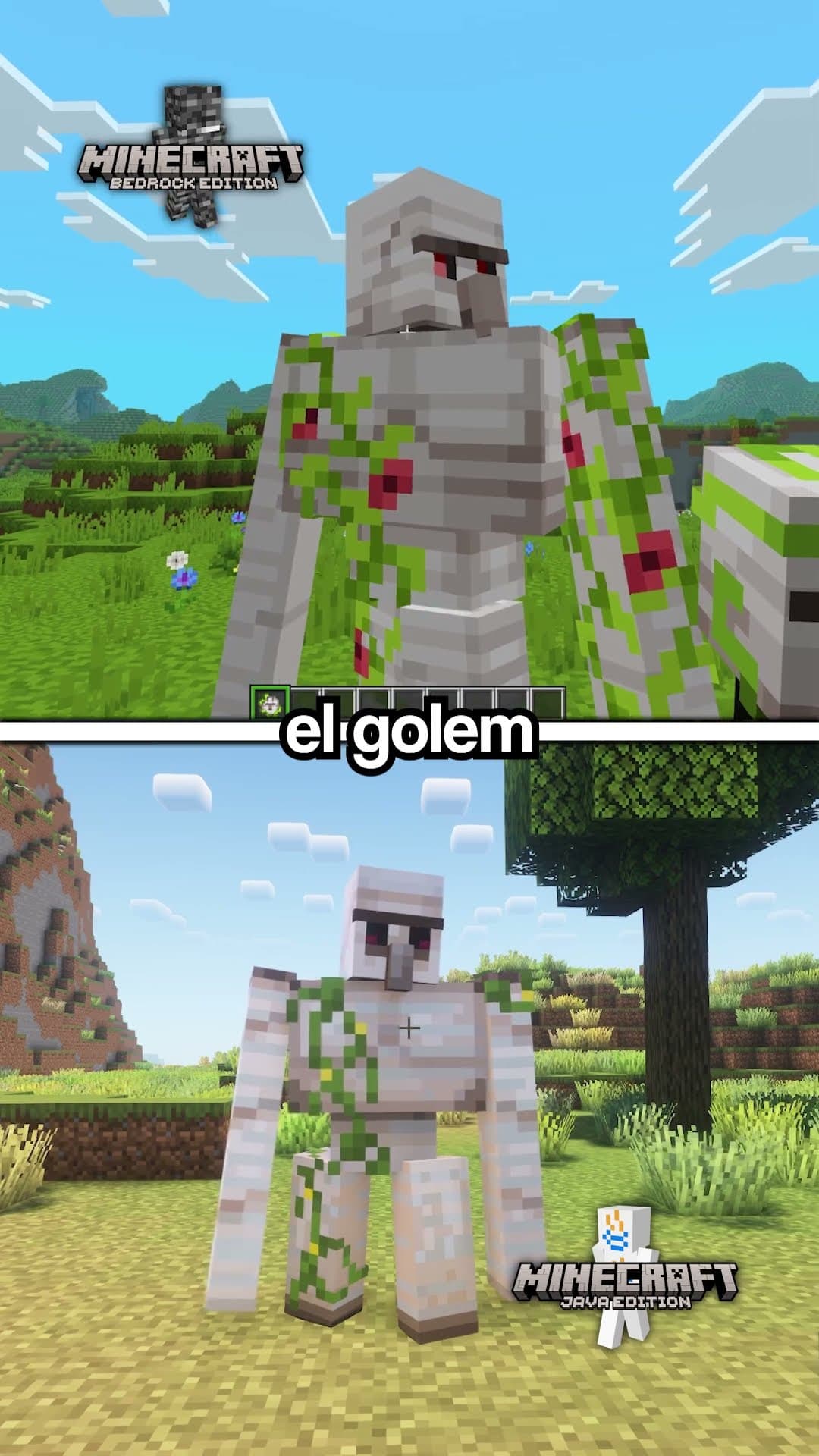


Your skin, in your own scene
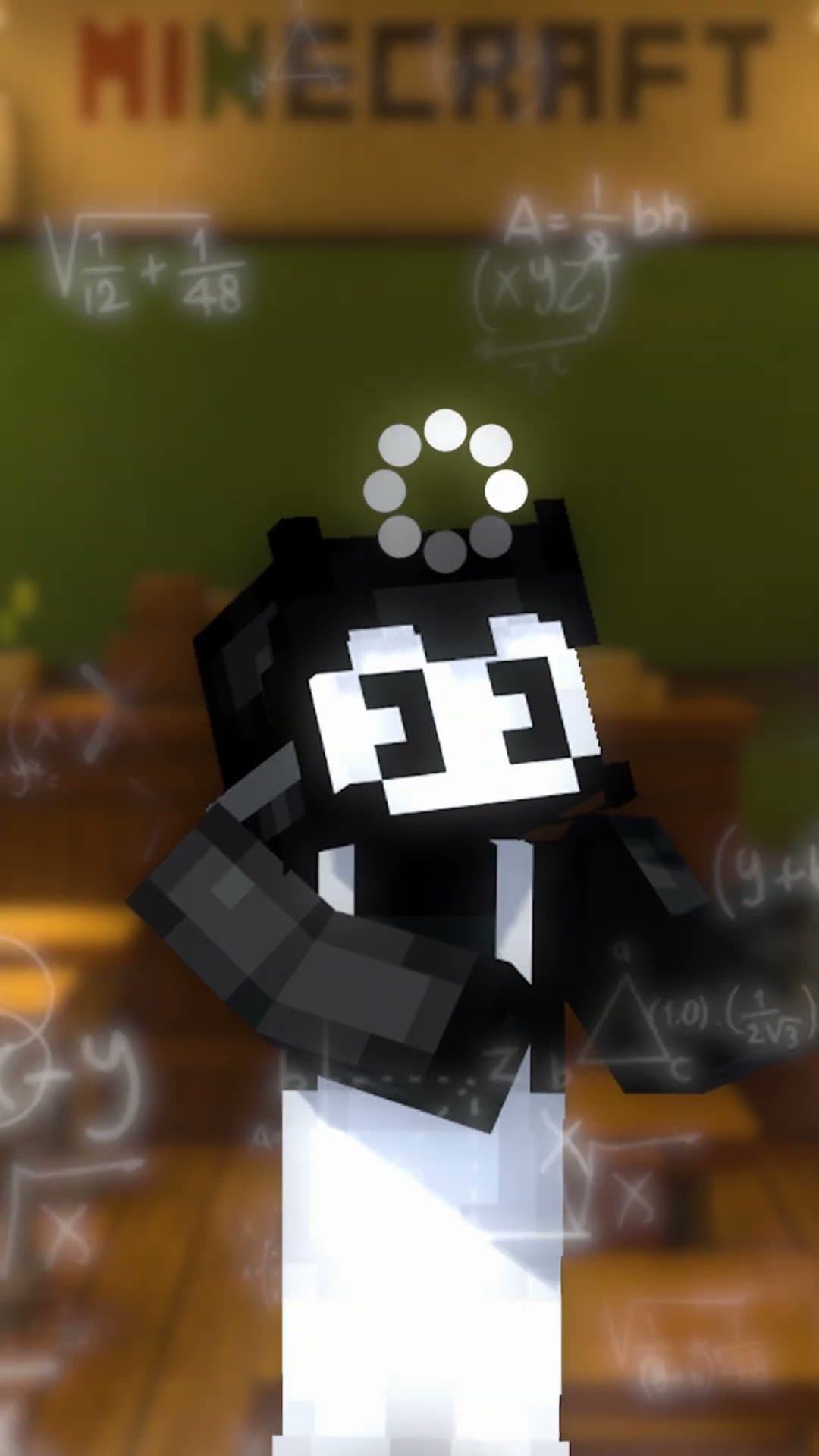
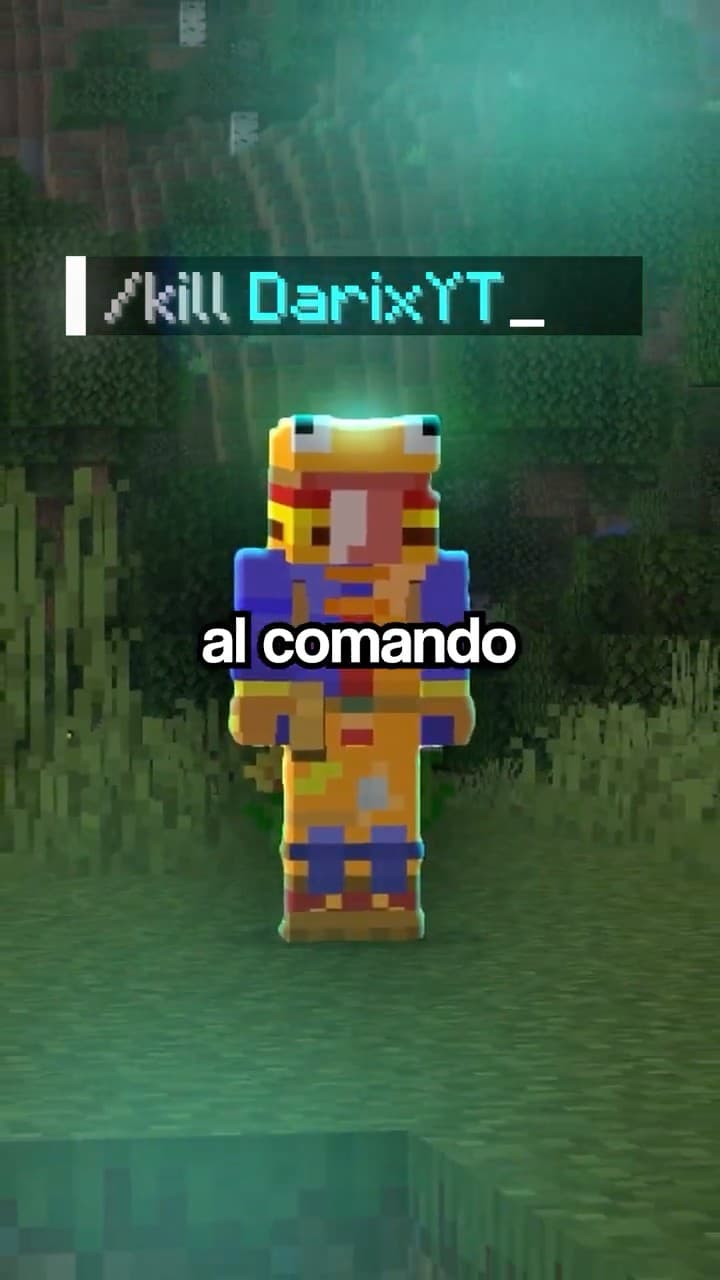
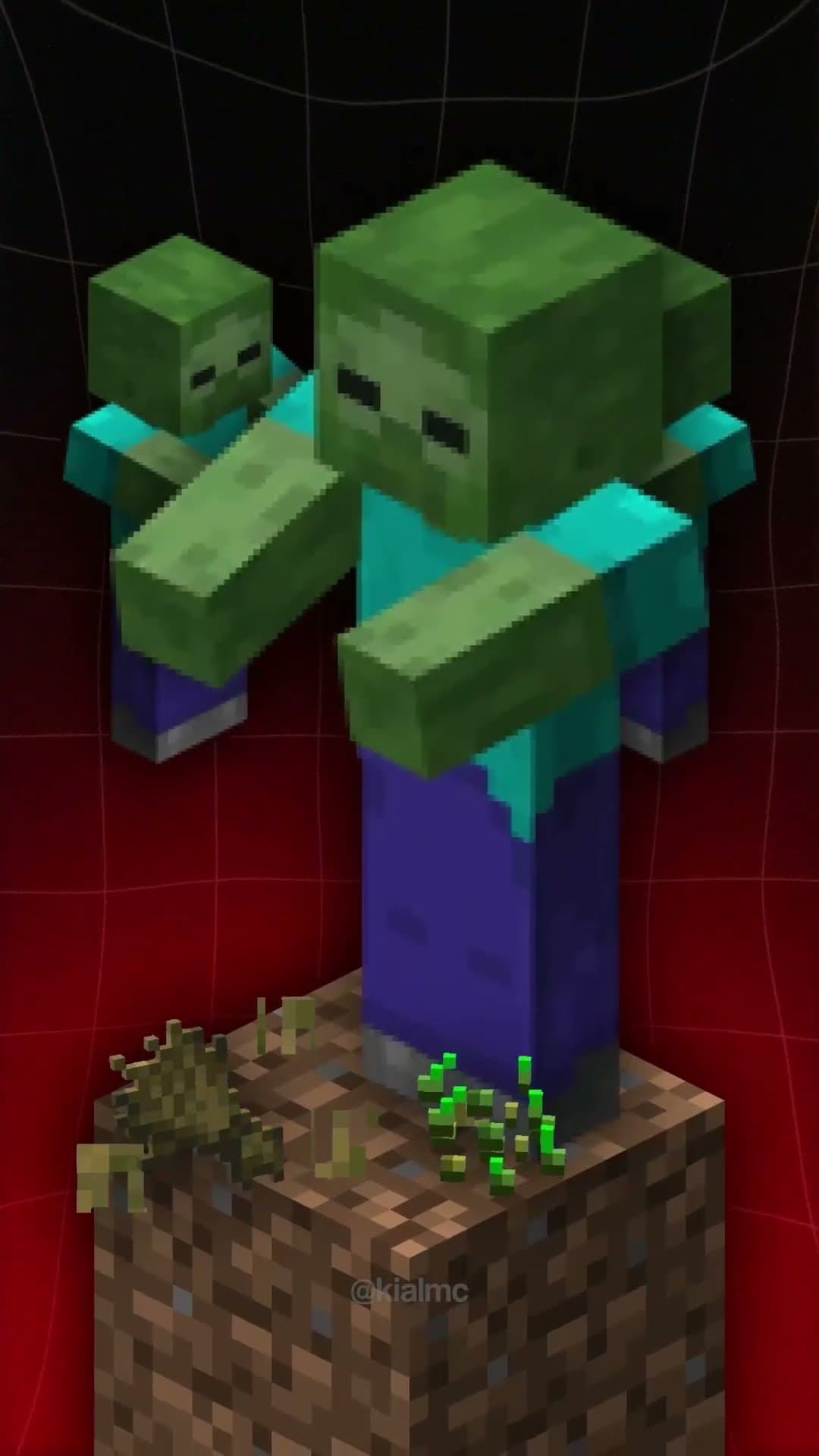
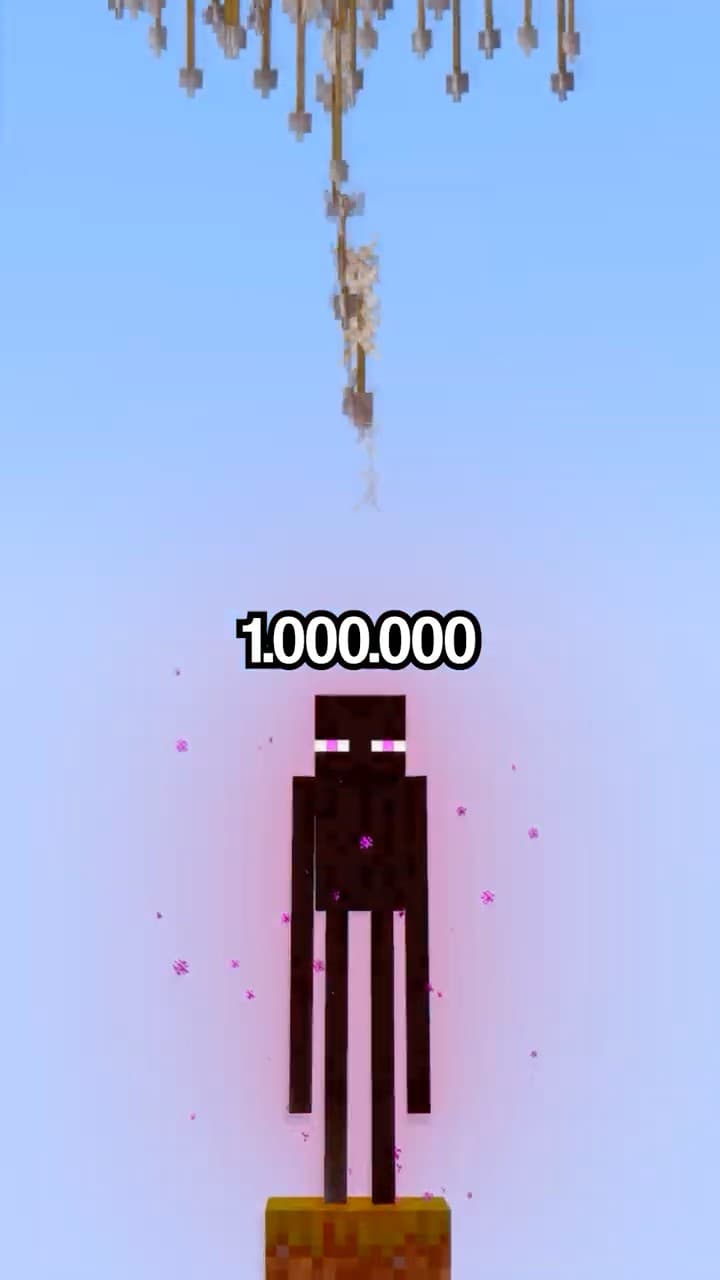
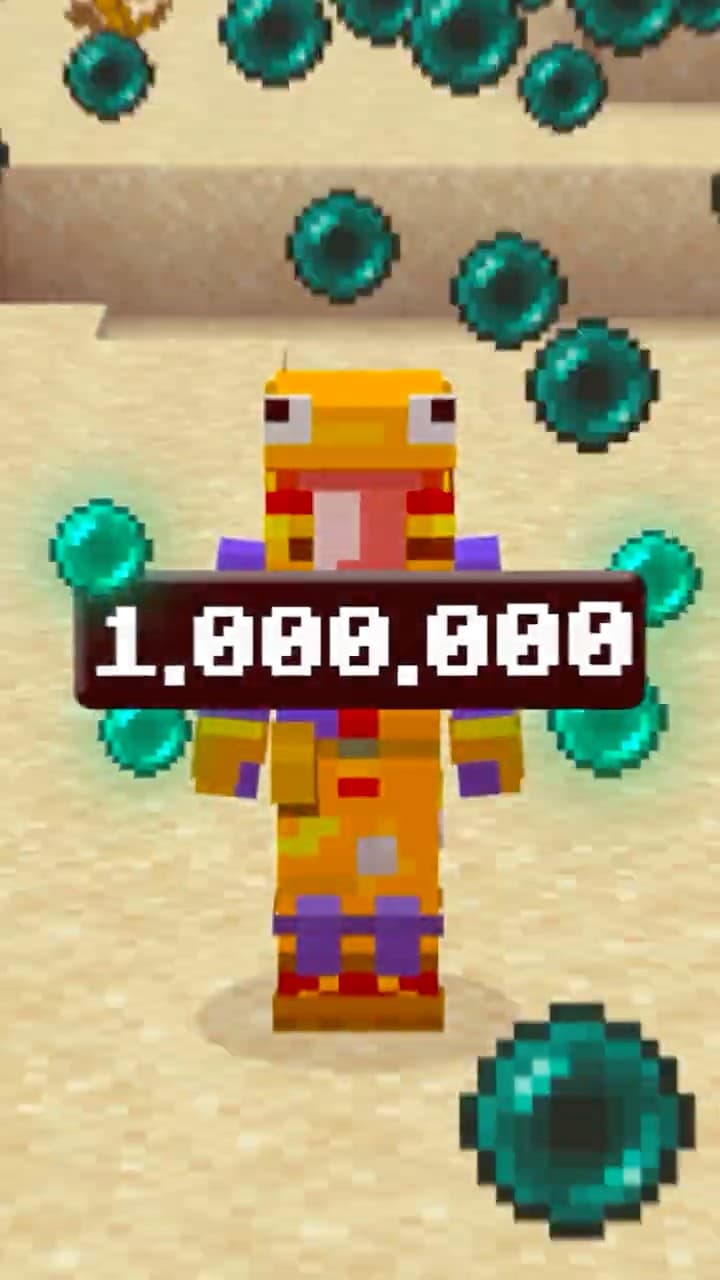
Pose and animate your character among mobs, items and your own builds in the Render Studio. Free on our Discord.
Open the Render StudioMinecraft animations ready for your videos: pick one, change its text, colors and images, and export it ready for your editor. No After Effects, no learning curve.
Crafting, titles, names, HUD and more. All ready to customize in the editor.
Change the text, colors, images and values of any animation in a few clicks. No design skills needed.
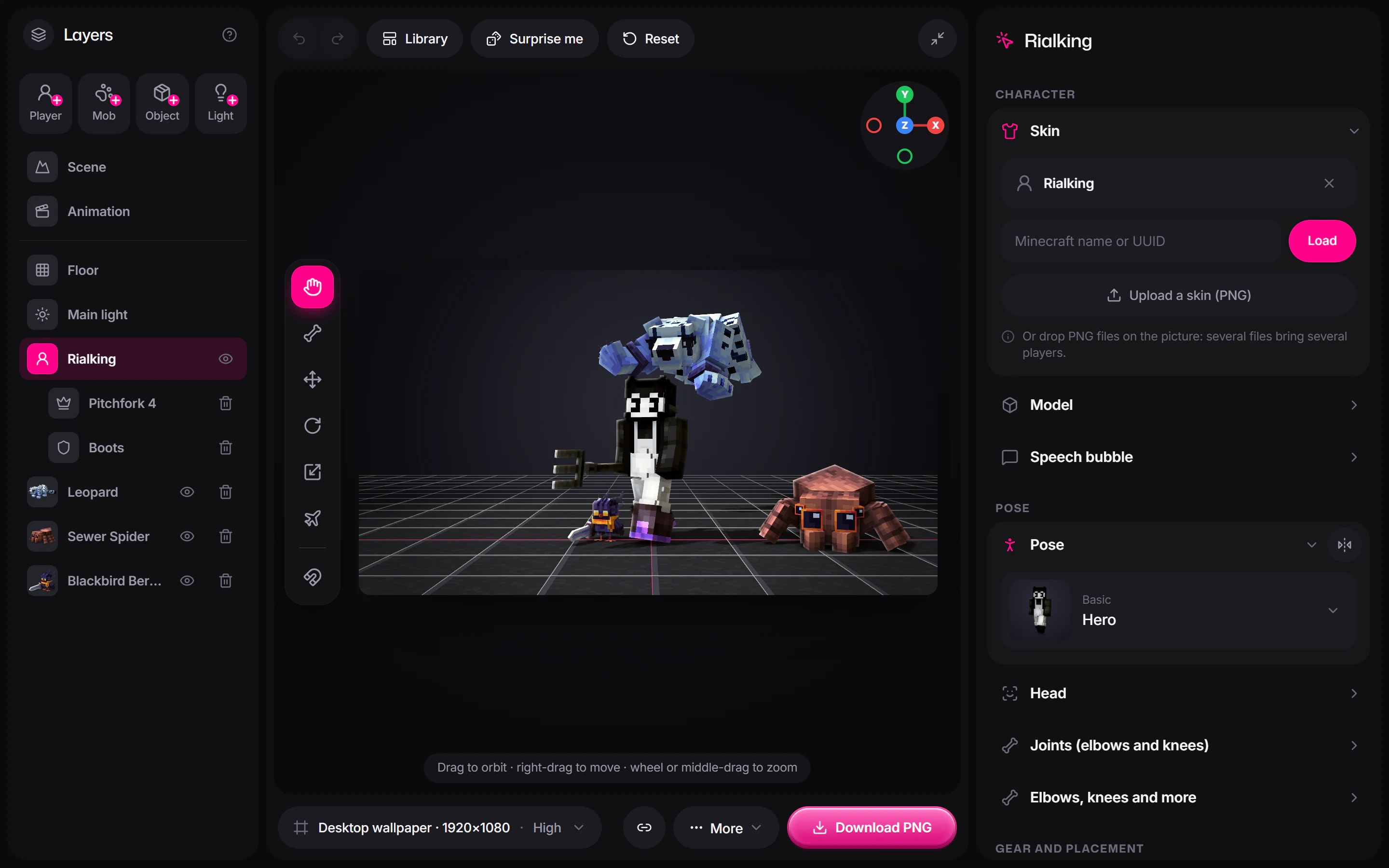 Open the studio
Works with your video editor
Premiere Pro presets you drag onto your timeline and you are done. Open a pack to see them in action.
Tools made so your next video and its thumbnail look better today, not after a course.
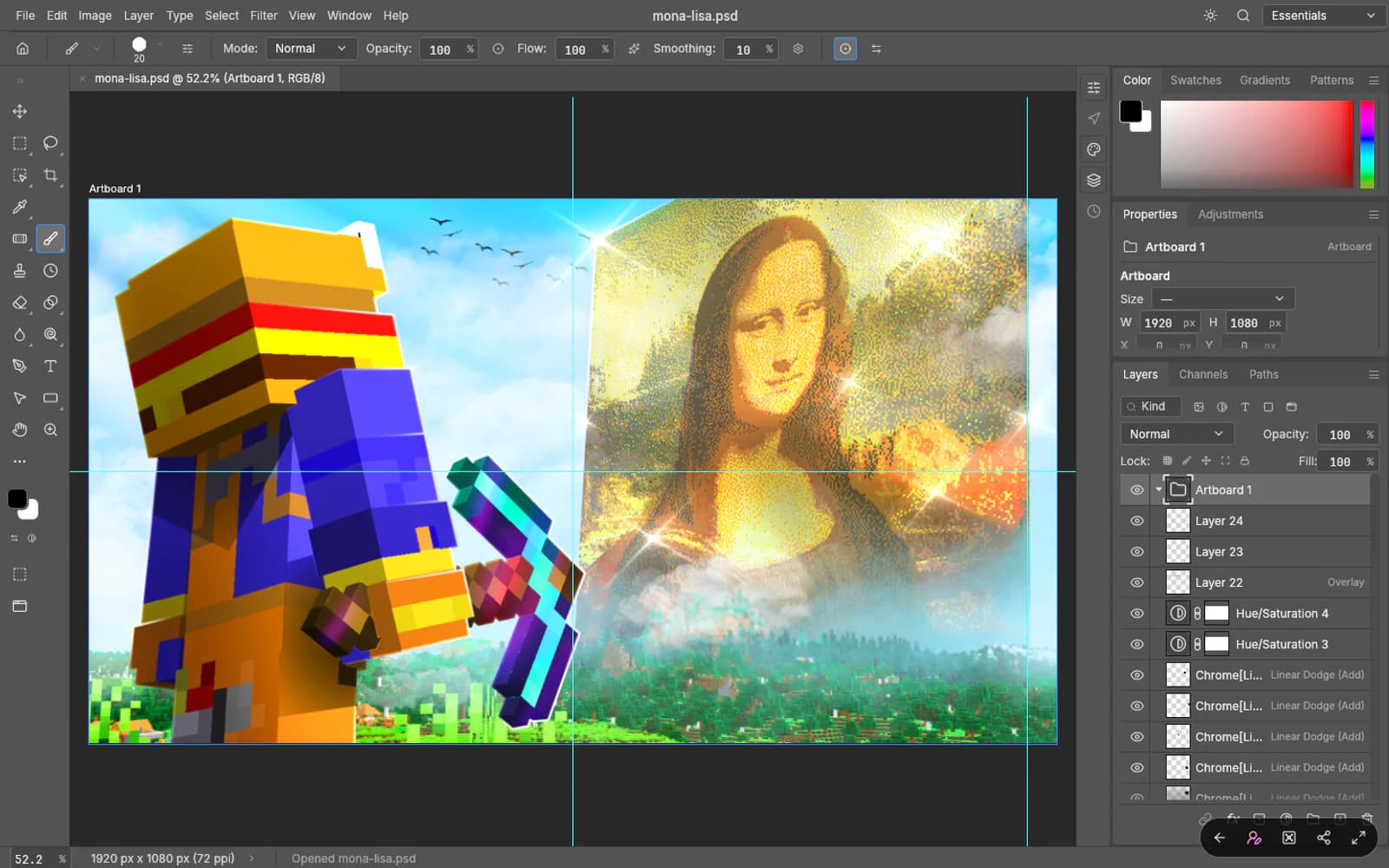
A photo editor in your browser: layers, masks and adjustments, plus PSD templates that open with every layer editable.
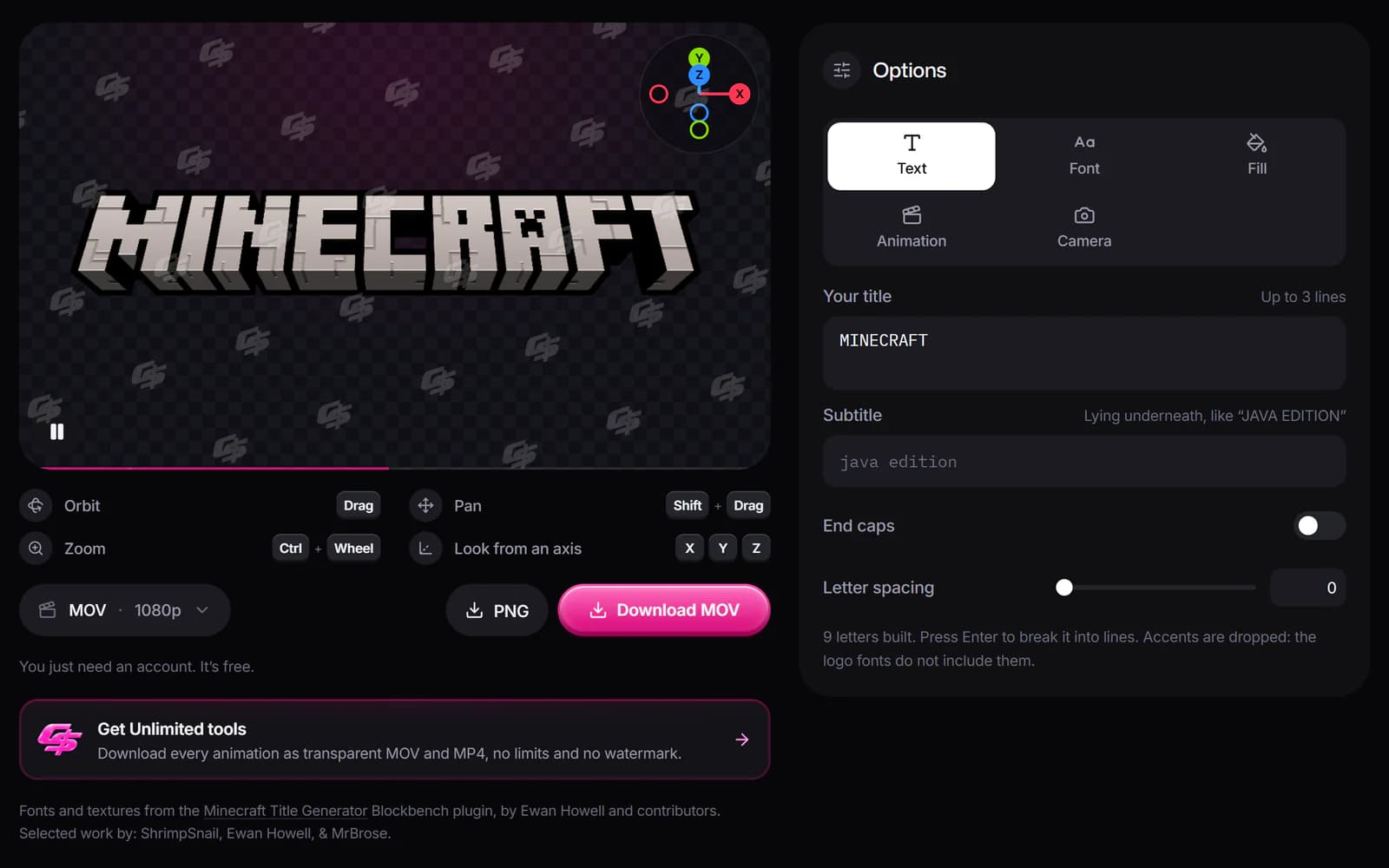
Type your text, pick the font, the texture and the camera, then download it as a transparent PNG or a video.
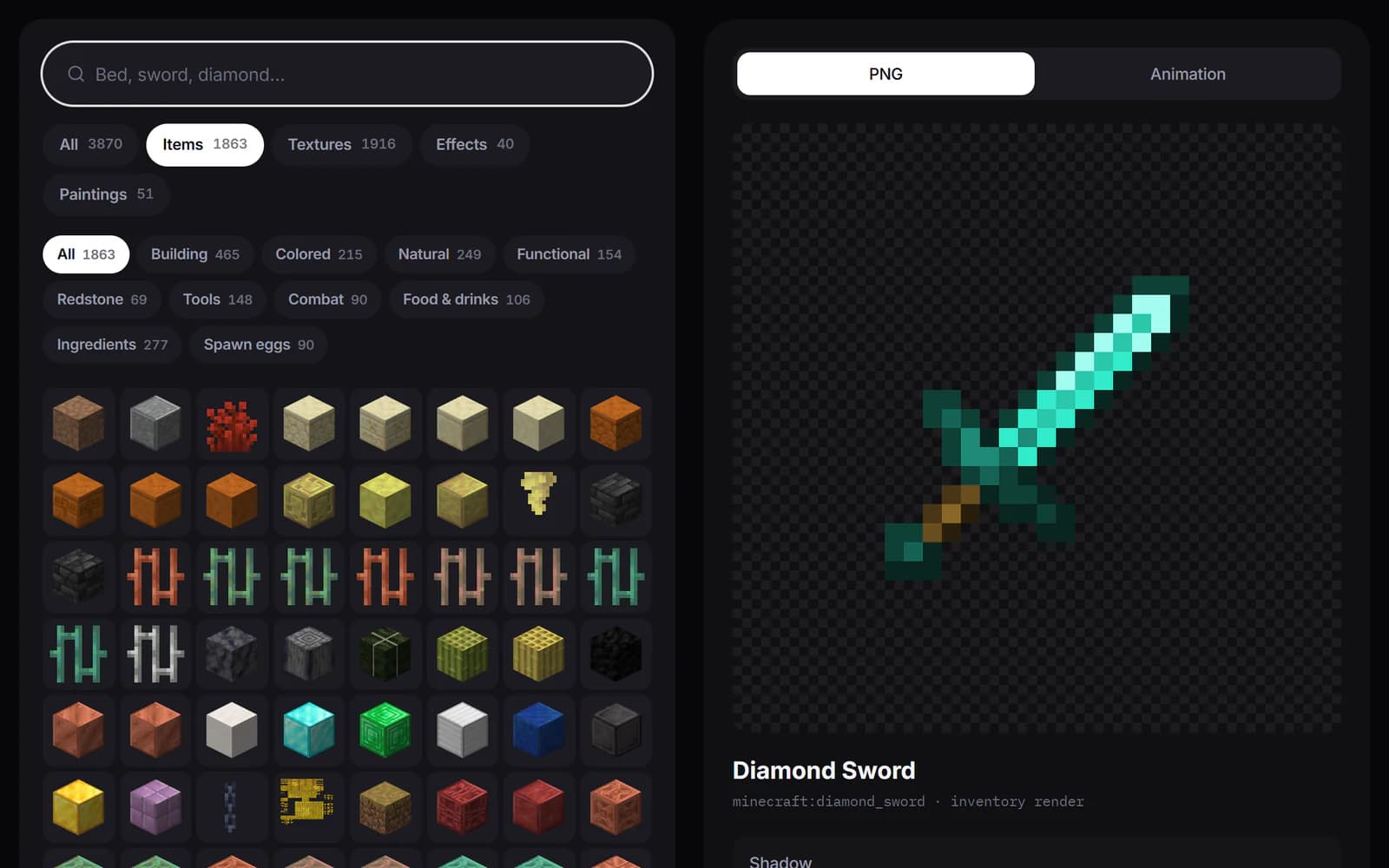
Over 3,800 Minecraft icons, textures, effects and paintings as PNGs, ready for your thumbnails and videos.
Pose and animate your character among mobs, items and your own builds in the Render Studio. Free on our Discord.
Open the Render StudioWhat some of the creators already editing with them say.
Crafting animations in two minutes
I used to wait on my editor for every crafting animation. Now I swap the items, hit export and drop it straight into the timeline. Videos go out way faster.
Made for challenge videos
My videos are full of item and achievement moments, and the HUD and item stats animations cover all of them. Same look every episode, and I never opened After Effects.
Every map gets its moment
With the title and reveal animations each map gets a proper intro, and I have it ready before we even start recording.
Clean text without the grind
If you've watched my How I Edited videos, you know how much work goes into the text. The 3D titles and name tags look clean out of the box, and I can still match every color to my style.
Thumbnails without Blender
The Render Studio is kind of crazy. I pose my skin, set up the scene and have the render for my thumbnail in a few minutes. No Blender, no rigs, no tutorials.
Small channel, polished edits
I edit everything myself, so anything that saves time is huge. Pick an animation, change the text, export. My survival series looks a lot more polished now.
Still have questions?
If you cannot find what you are looking for, ask us on Discord: installation, licensing or which pack fits you. The team that makes the presets answers.
No. Every preset is built with native Premiere Pro effects, so nothing external is required and your render never breaks.
Premiere Pro 2024 (24.0) or newer, on Mac and Windows. Every product page states it at the top.
Yes. The licence covers commercial use in your own videos and in client projects. You just cannot resell or redistribute the files.
Yes, and updates are free forever. Every page has a changelog with the date of the latest version.
No: these are instant-download digital products, so buying one waives the right of withdrawal. But if a pack does not work or is not what we describe, write to us: we help you install it and, if it cannot be fixed, we refund you. And to risk nothing, try the free pack first.
Join the newsletter and they reach your inbox right away: text, zooms, shakes and transitions ready to drag. No plugins, no watermark.