
Minecraft Bundle PNG: every variant
All 17 Bundle variants in Minecraft 26.3, as they look in the inventory, each one as a transparent PNG. Pick the one you want in the panel and download it at the size you need. In the creative inventory it sits in the “Tools” tab.
 See every Minecraft icon
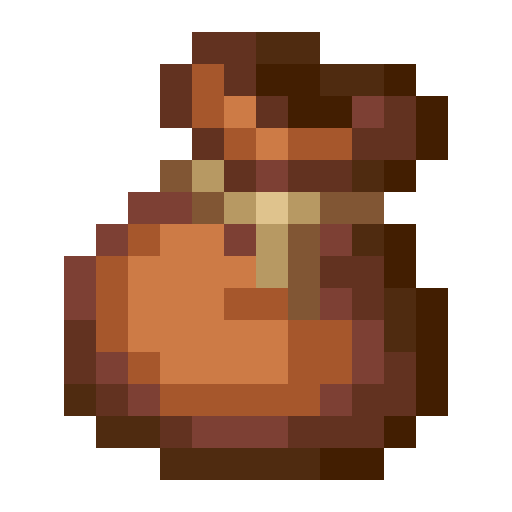
BundleVariants · 1/17
Sizes and quality
The Bundle render is 128 × 128 pixels, the size the game draws the item at in the inventory. It scales up by whole numbers to 1024 px with no interpolation, so the edges stay sharp.
Open in the icon editor
In the full tool you can add a shadow or shine, animate it as a video or use it for a tiled background, alongside the game’s 1,700+ items.
Open in the icon editorThe Minecraft bundle: how much it holds and how to use it
A bundle stores a mixed stack of different items in a single inventory slot. It does not create extra space: everything inside adds up to at most what one normal stack would take. The point is carrying a little of many things without filling your inventory with half-empty slots.
The maths is simple once it clicks. An item that stacks to 64 takes 1/64 of the bundle, one that stacks to 16, such as eggs or ender pearls, takes 1/16, and an unstackable item like a sword fills it completely. You can nest a bundle inside another, which costs 1/16 plus whatever the inner one holds. Shulker boxes cannot go into a bundle, but bundles can go into a shulker box.
In the inventory screen you insert an item by clicking the bundle onto it or the item onto the bundle, and right click takes one out; the scroll wheel lets you pick which. Using a bundle from the hotbar throws the most recently added item forward, and if the bundle is destroyed by fire or a cactus it drops everything it held.
It comes in 16 dye colours. Mojang picked fixed colours instead of leather-style mixing so you can recognise a bundle at a glance. It was announced at Minecraft Live 2020 and only shipped on 22 October 2024 with Bundles of Bravery.
Sources: minecraft.wiki/Bundle
All 17 Bundle variants
Each variant has its own 512 px transparent PNG. Tap its name to open it, or pick it in the panel above to download it at another size.
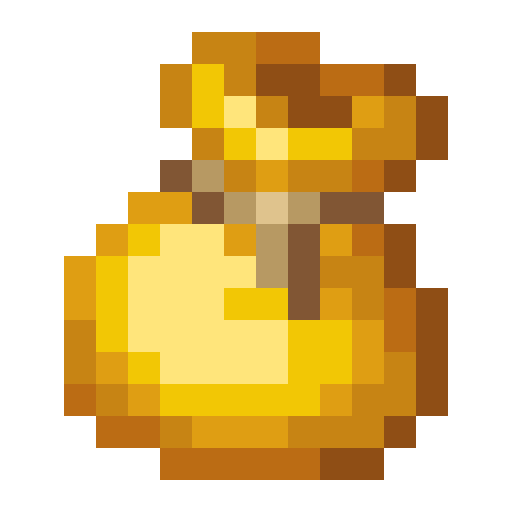 Yellow Bundle
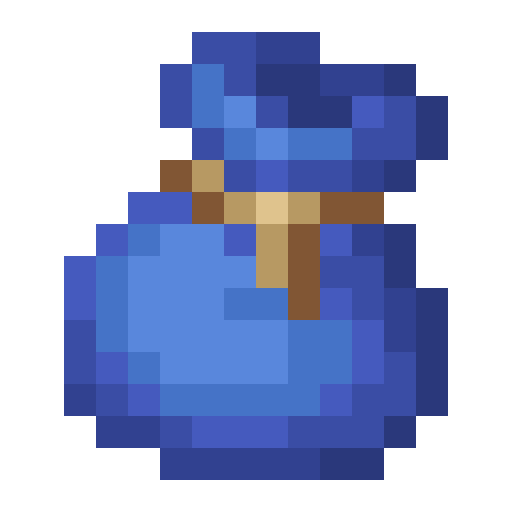 Blue Bundle
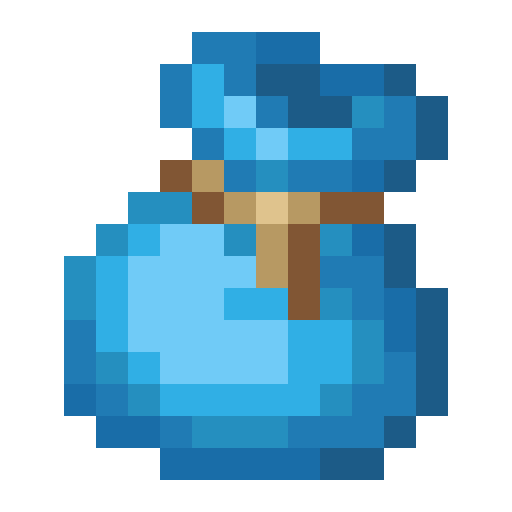 Light Blue Bundle
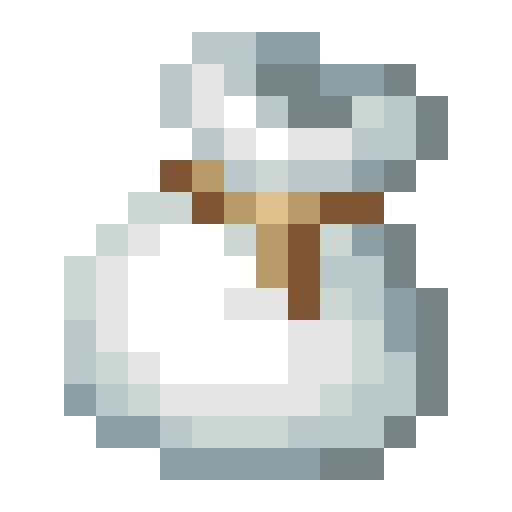 White Bundle
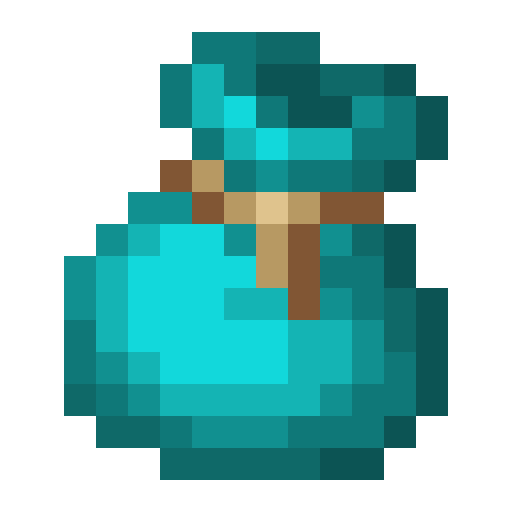 Cyan Bundle
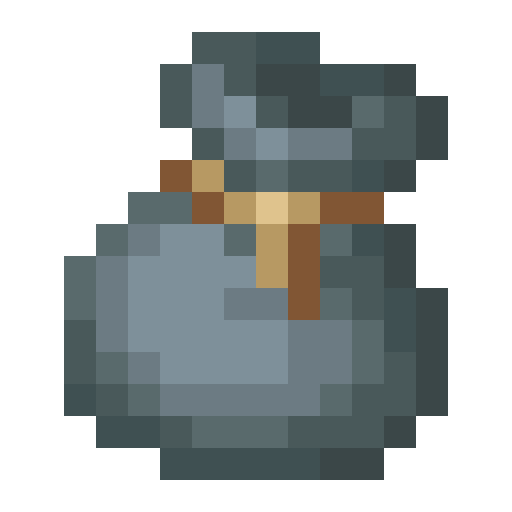 Gray Bundle
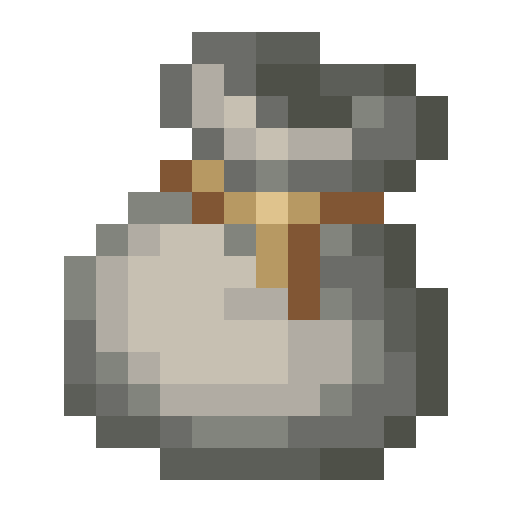 Light Gray Bundle
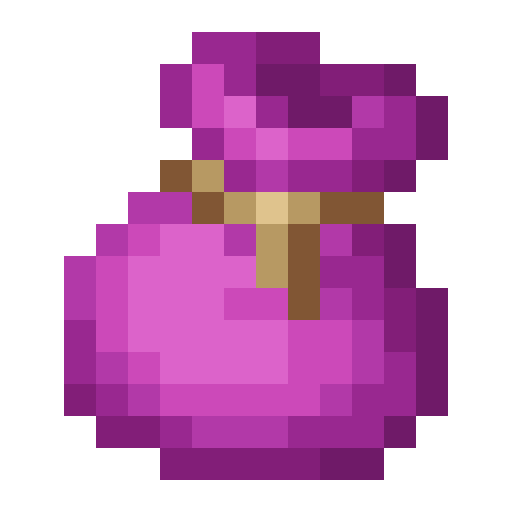 Magenta Bundle
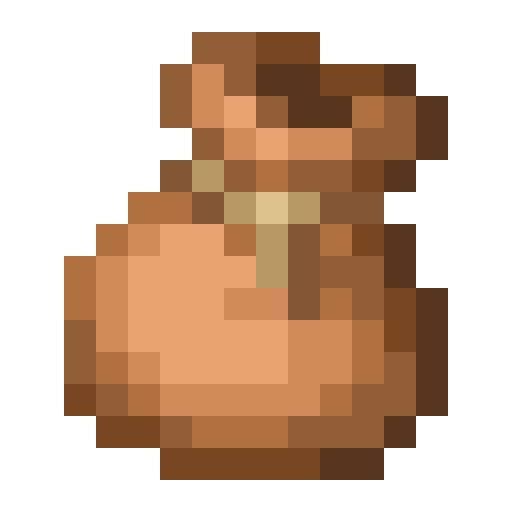 Brown Bundle
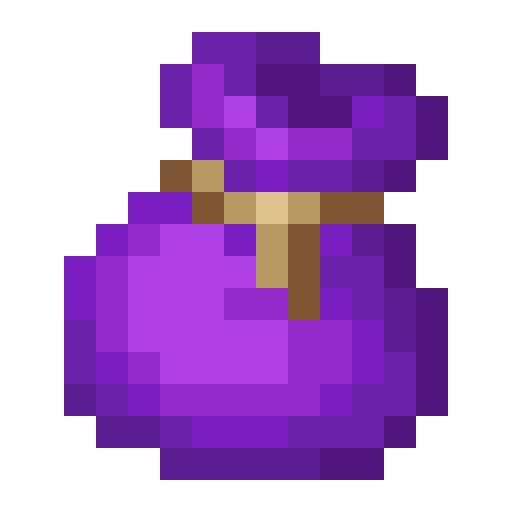 Purple Bundle
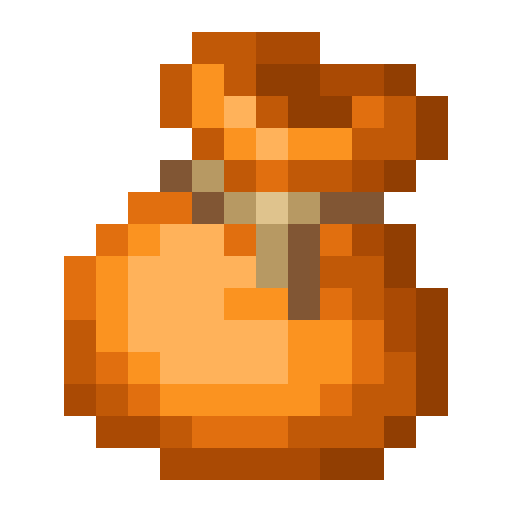 Orange Bundle
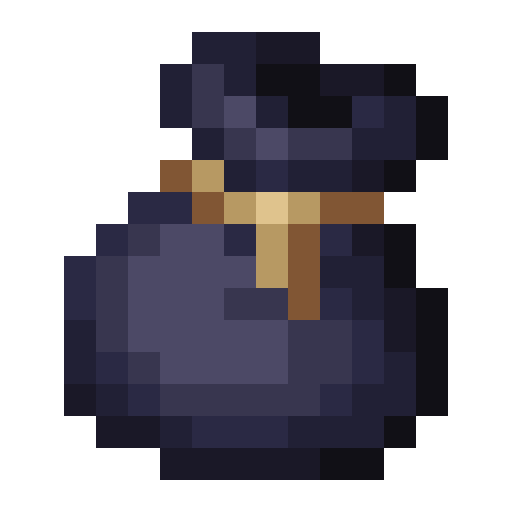 Black Bundle
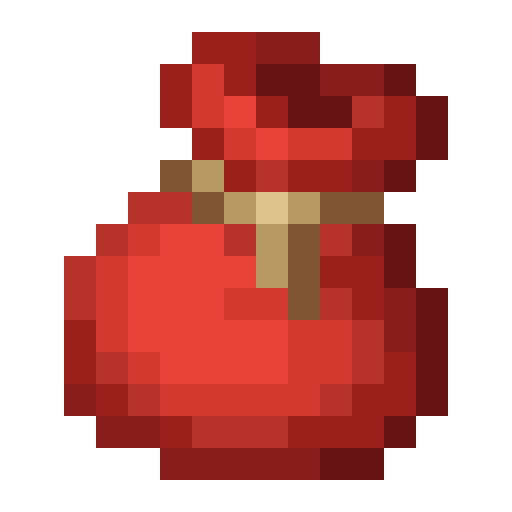 Red Bundle
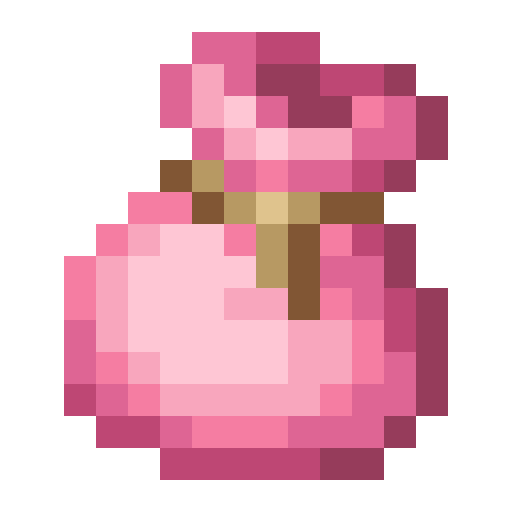 Pink Bundle
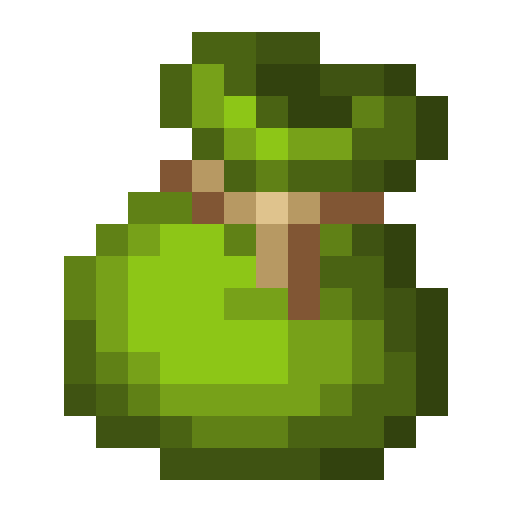 Green Bundle
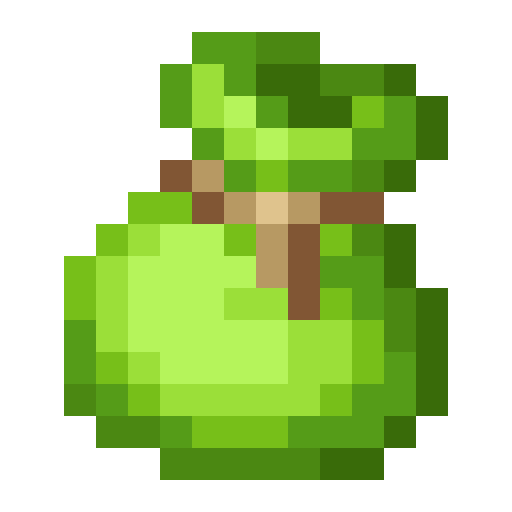 Lime Bundle
How to get Bundle
Crafted on the crafting table in this shape:
Recipe and drops taken from the Minecraft 26.3 data pack.
Bundle stats
- Stacks to
- 1
Other icons people look for
Minecraft 26.3 textures. Minecraft is a trademark of Mojang Studios; CreativeStar is not affiliated with it and the textures are theirs.