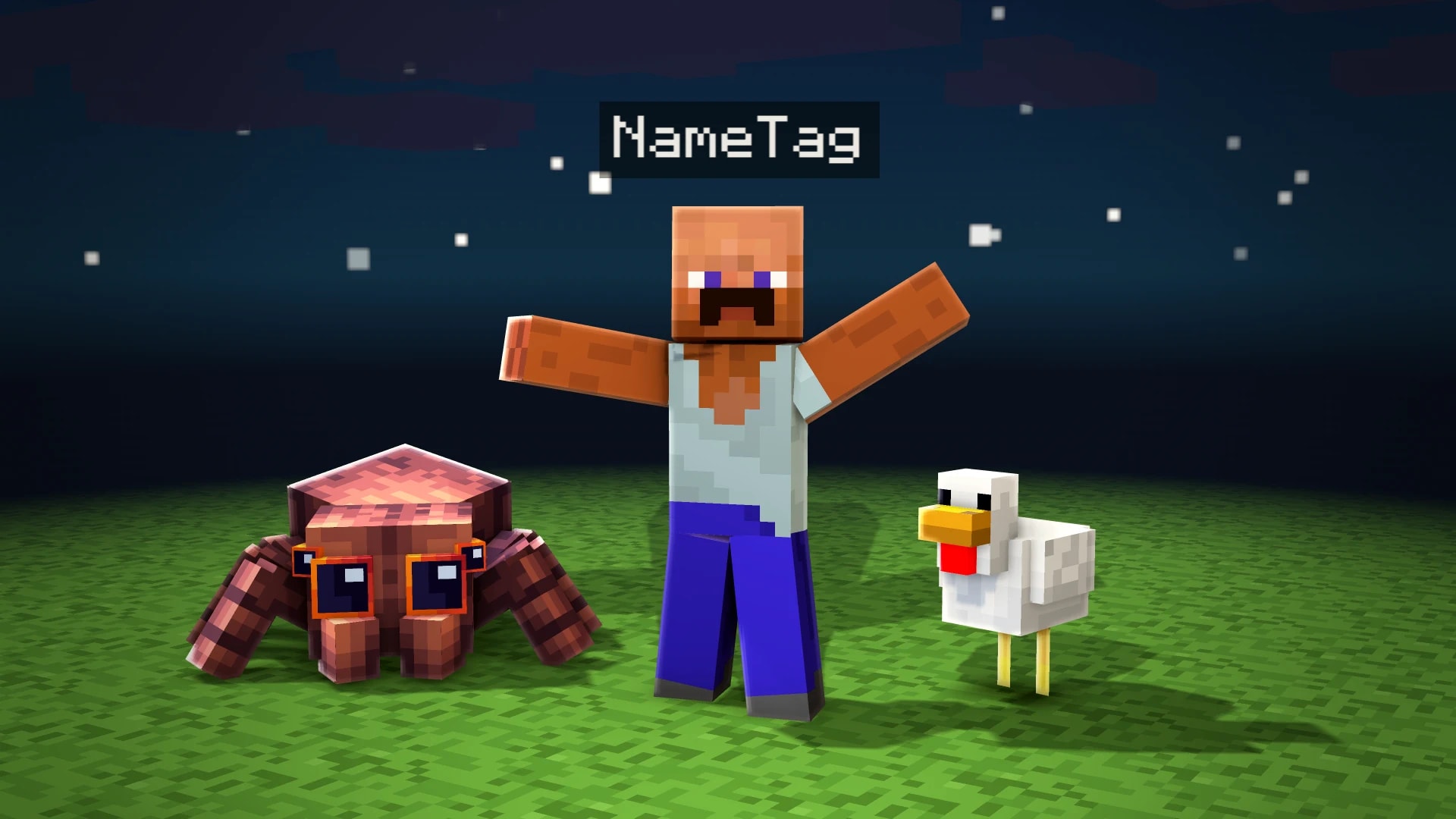
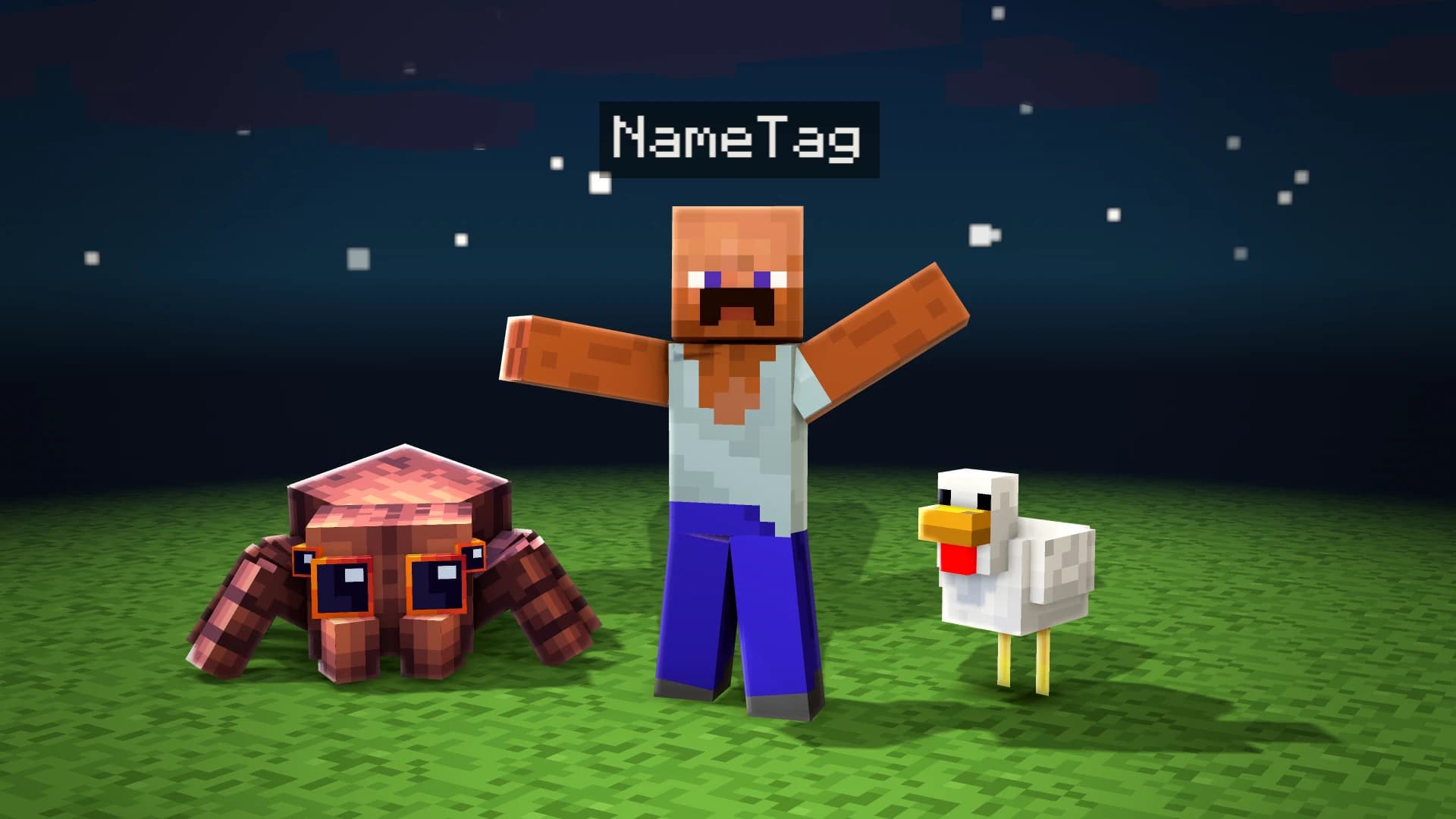
The name tag is the label that floats above players in Minecraft: pixel lettering on a dark, see-through box. Put one over a real photo and any picture turns into a screenshot from a server that never existed, which is why it shows up in so many edits, thumbnails and profile pictures.
It takes three things for it not to look pasted on: the right pixel font, the box at the game's opacity and never smoothing the pixels when you scale it. The generator handles the first two; the third is on you, and it is explained here.
Type the name and colour it with the game's codes
In the name tag generator, type the name the way you want it to show. Colours and formats are Minecraft's own: &a green, &6 gold, &c red, &l bold… Colour the whole name or just part of it, such as a green [VIP] rank before a white name.
The dark box behind is what makes it instantly recognisable. In game it is black at 25% opacity, so the photo shows through a little: bring the generator's Opacity slider down towards that 25%. If your photo is very bright and the name gets lost, raise it slightly, but never make it solid black: that is where it stops looking like Minecraft.
Download a transparent PNG
Download the PNG: everything that is not the name tag comes out transparent, so there is nothing to cut out. Pick the largest size you will need; scaling down is always better than scaling up.
Place it above the head
Open it over the photo in your editor (Photoshop, PhotoStar, Canva or CapCut) and centre it above the head, with a small gap between the box and the hair. A good size is a tag about as wide as the head. If you resize it, use no smoothing (nearest neighbour) or exact multiples: blurry pixels give the edit away.
If the name tag goes in a video, the generator lets you pick an entrance animation and watch it in the preview. Downloading it as a transparent MOV (or an MP4 on a chroma background) is part of Unlimited tools; the PNG stays free.
Yes. The generator and the transparent PNG download are free with no watermark. Only the animated video version is part of Unlimited tools.
The game uses its own pixel font. The generator uses Minecraftia, the community font that imitates it, at its exact size so every pixel stays sharp.
Yes. The generator works in a mobile browser, and the PNG can go over the photo in CapCut, Canva or as a sticker on an Instagram story.
With the game's colour codes: & followed by a number or letter (&a green, &c red, &e yellow…). In the generator you can also pick the colour with a click, or paste a name that already has & or § codes.