
Minecraft Stonecutter PNG
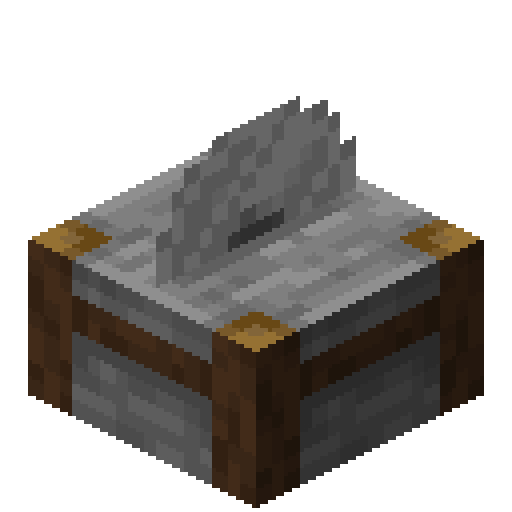
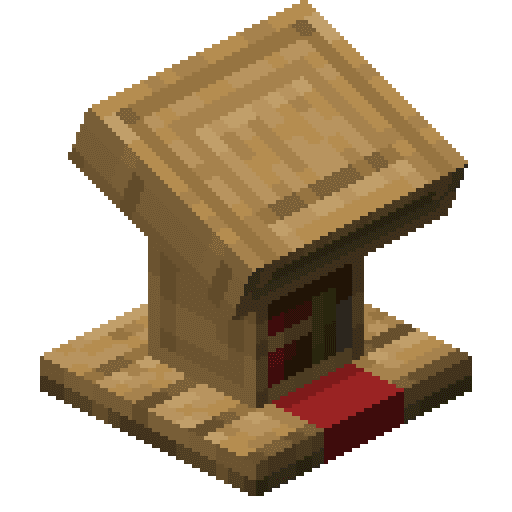
The Stonecutter exactly as it looks in the Minecraft 26.3 inventory, as a transparent PNG. It is the render of the item itself, not a loose texture: what you see in your hand and in chests. In the creative inventory it sits in the “Functional” tab.
 See every Minecraft icon
Sizes and quality
The Stonecutter render is 128 × 128 pixels, the size the game draws the item at in the inventory. It scales up by whole numbers to 1024 px with no interpolation, so the edges stay sharp.
Open in the icon editor
In the full tool you can add a shadow or shine, animate it as a video or use it for a tiled background, alongside the game’s 1,700+ items.
Open in the icon editorStonecutter in Minecraft: save material on stairs
The stonecutter is an alternative to the crafting table for almost every stone and copper block. Each recipe takes a single ingredient: put the block in and pick what you want from a list. It saves steps, turning stone straight into chiseled stone bricks, for example.
Its big advantage is savings. At a crafting table six blocks make four stairs; at a stonecutter each block makes one stair. Copper is even better: one block of copper gives four cut copper. If you build a lot with stairs, slabs or walls, your materials go much further.
Some things can only be made here. You can cut stone into cobblestone and its slabs, stairs and walls, and deepslate into all its variants: cobbled, polished, bricks and tiles.
It is the mason's job site block and generates in their village houses. Any pickaxe collects it. Although the blade looks like it is spinning nonstop, it deals no damage and has no hitbox, so it is useless as a trap.
Sources: minecraft.wiki/Stonecutter
How to get Stonecutter
Crafted on the crafting table in this shape:
Mined with a pickaxe.
Recipe and drops taken from the Minecraft 26.3 data pack.
Other icons people look for


Minecraft 26.3 textures. Minecraft is a trademark of Mojang Studios; CreativeStar is not affiliated with it and the textures are theirs.